AZL · keyboard first
Azure Latch controls (AZL)
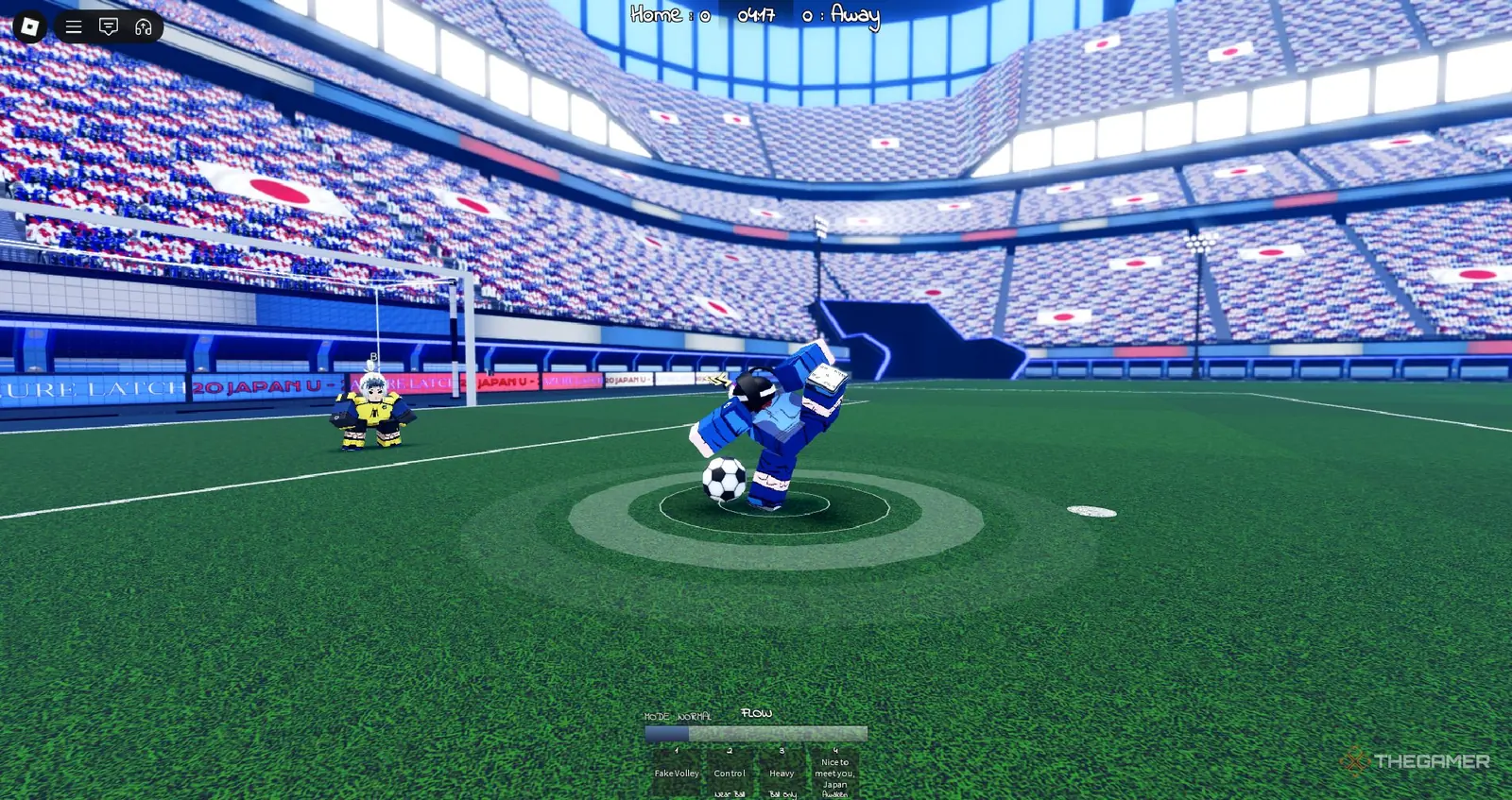
On PC, M1 shoots or passes, keys 1 to 5 cast the style, Q tackles, E dribbles when you have the ball, F is the speed burst, and G starts Flow.
PC, goalkeeper, mobile and console controls
| Platform / role | Action | Input | Source status |
|---|---|---|---|
| PC · field | Shoot / pass | M1 | 1 source · Fandom |
| PC · field | Style skills / Flow / special | 1–5 / G / T | 1 source · Fandom |
| PC · field | Tackle / dribble / speed burst | Q / E / F | 1 source · Fandom |
| PC · field | Call for pass / emote wheel | R / B | 1 source · Fandom |
| PC · goalkeeper | Jump / dive forward / dive left / dive right / super throw | Space / Q / A + Q / D + Q / T | 1 source · Fandom |
| Mobile | Open emote wheel | Music note icon | 1 source · Fandom Emotes |
| Mobile | Other action buttons | — | Public button map unavailable in checked sources |
| PS5 / controller | Face-button and goalkeeper mapping | — | Public button map unavailable in checked sources |
Checked 12 Nov 2026 against the Fandom Beginners Guide and Emotes pages in Sources.
The rest of the published keyboard list: R calls for a pass, B opens the emote wheel, Space is the rainbow flick, A or D with Q is a side dash, and A or D with M1 while looking up is the curve shot. T is the style special. Reo uses it for Stance Shift. Rin uses it for Destroyer Impulses. Defensive styles use it for Doberman Charge.
Cooldowns printed next to those keys are 3 seconds on the tackle, about 2.5 to 2.75 seconds on the dribble, 4 seconds on the speed burst, 2 seconds on the pass call, and 3 seconds on the emote wheel. A missed tackle stuns you for a second.
Keeper keys are a second list. Space jumps, Q dives forward, A plus Q dives left, D plus Q dives right, and T is the super throw.
The wiki identifies a music-note icon as the mobile emote-wheel button. The reviewed wiki and Roblox description do not provide a full phone layout or a PlayStation face-button chart, so those remaining mappings are left unspecified.
Crash advice for phones is the same generic set you would give any Roblox client: lower graphics, close other apps, update the app. That is not an Azure Latch patch note.
Questions
What are the Azure Latch PS5 controls?
The reviewed public sources do not provide a PS5 button chart for this experience. Use only a game-specific published mapping when one becomes available.
Why does Azure Latch crash on mobile?
I found no game-specific crash note. Lowering graphics and updating the Roblox app is general advice, not a confirmed fix for this experience.
Sources
- Fandom – Emotes — checked 2026-11-12
- Roblox game description — checked 2026-11-12
- Fandom – Beginners Guide — checked 2026-11-12
- Fandom – Private Server Plus — checked 2026-11-12